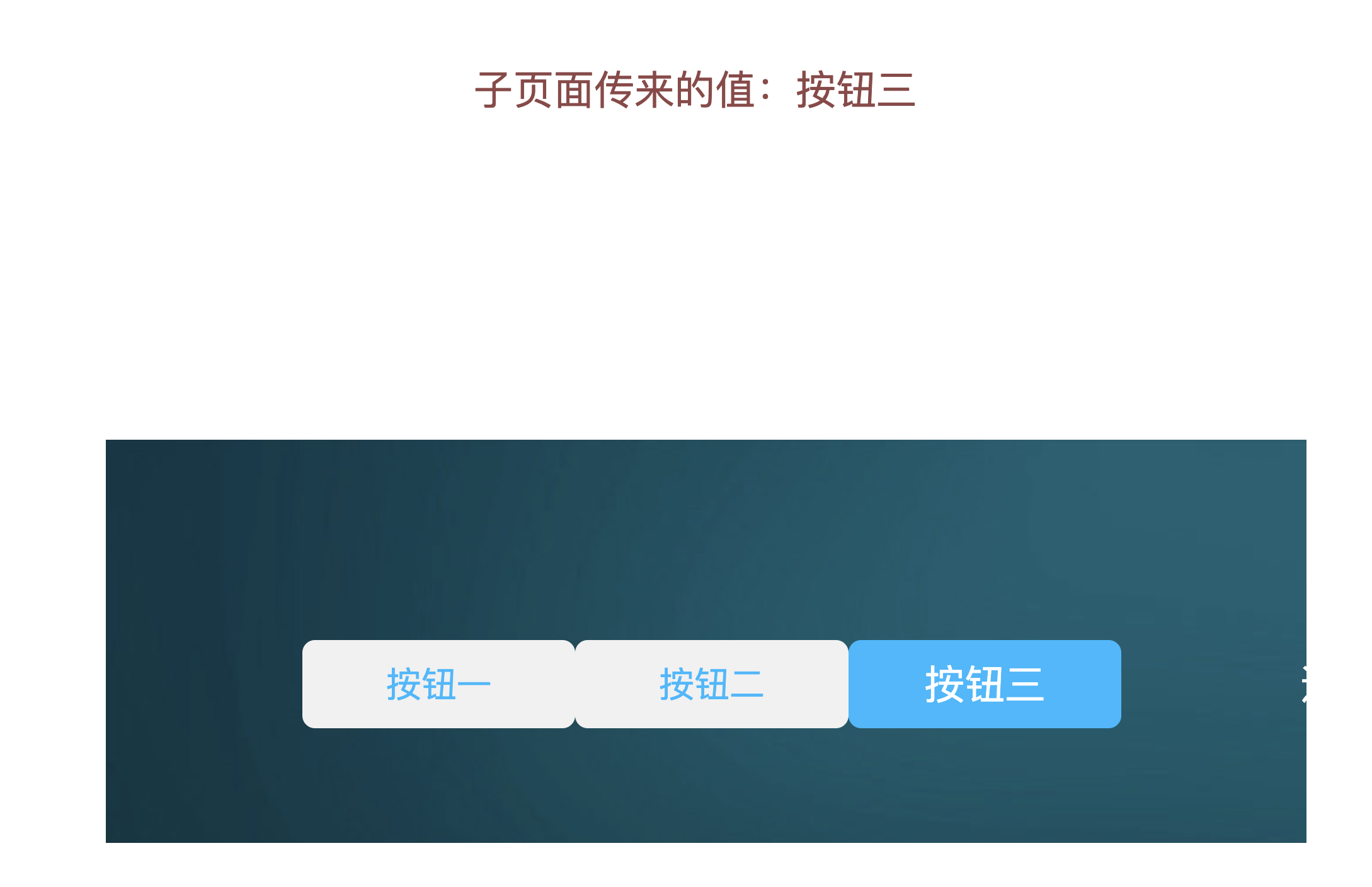
河图父子页面传值
2025年2月27日大约 3 分钟
河图父子页面传值
河图为父页面
配置
在大屏设计器中添加
按钮组、通用标题等具备点击事件的组件。示例以按钮组为例。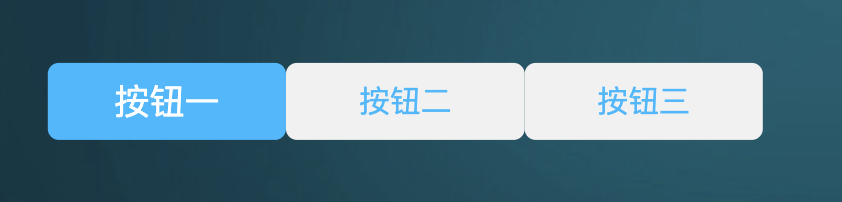
变量池中添加变量
iframeValue,按钮组在交互事件将值绑定到变量上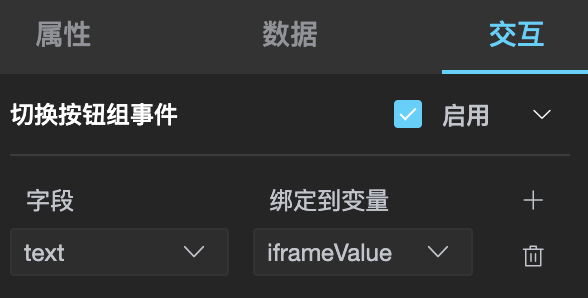
在大屏设计器中添加
iframe组件,用来显示嵌入河图的页面。
嵌入页面为河图页面时,在
iframe中进行配置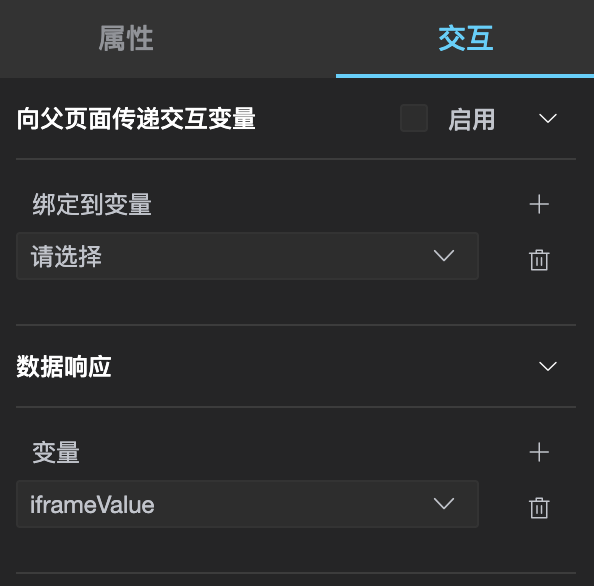
嵌入页面为外部页面时,在
iframe中输入外部页面地址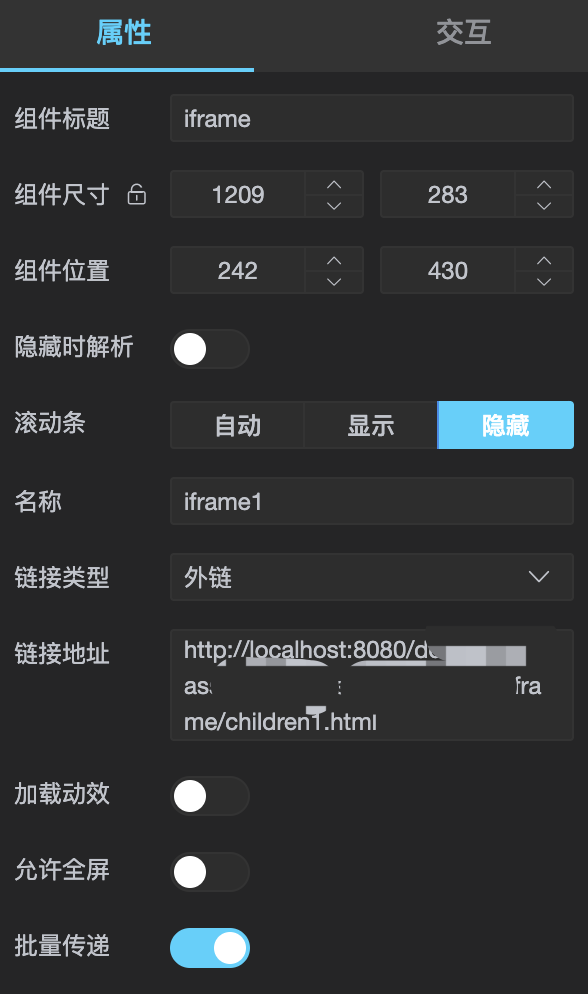
外部页面代码示例
<!DOCTYPE html>
<html lang="zh-CN">

<head>
  <meta charset="utf-8" />
  <meta http-equiv="X-UA-Compatible" content="IE=edge" />
  <meta name="viewport" content="width=device-width, initial-scale=1" />
  <title>子页面</title>
</head>

<body>
  <h1>子页面值:</h1>
  <h1 id="childrenValue"></h1>
</body>
<script>

  window.addEventListener("message", function (e) {
    console.log(e.data.hetu.vars.iframeValue);
    document.getElementById("childrenValue").innerText = e.data.hetu.vars.iframeValue;
  });

</script>

</html>
当嵌入页面为外部页面时,在节点编程画布中添加
按钮组组件和触发器逻辑节点,在触发器中编写传值代码。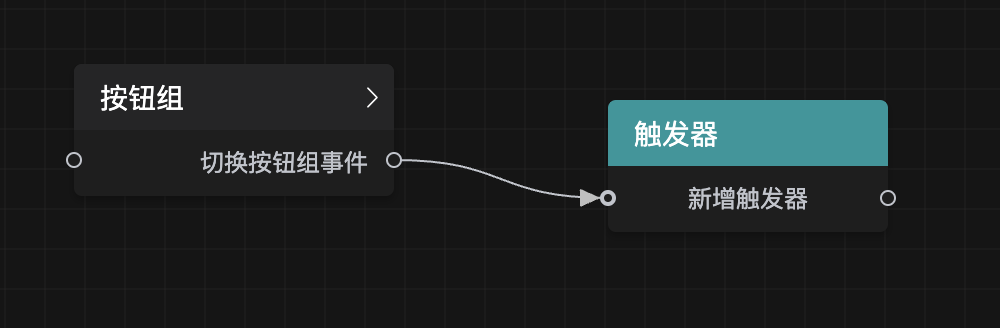
    const iframe = document.querySelector('iframe');
    if (iframe) {
      iframe.contentWindow.postMessage(
        {
          hetu: {
            vars: {
              'iframeValue': data.text,
            }
          }
        },
        "*"
      );
    }

    return true;
效果预览
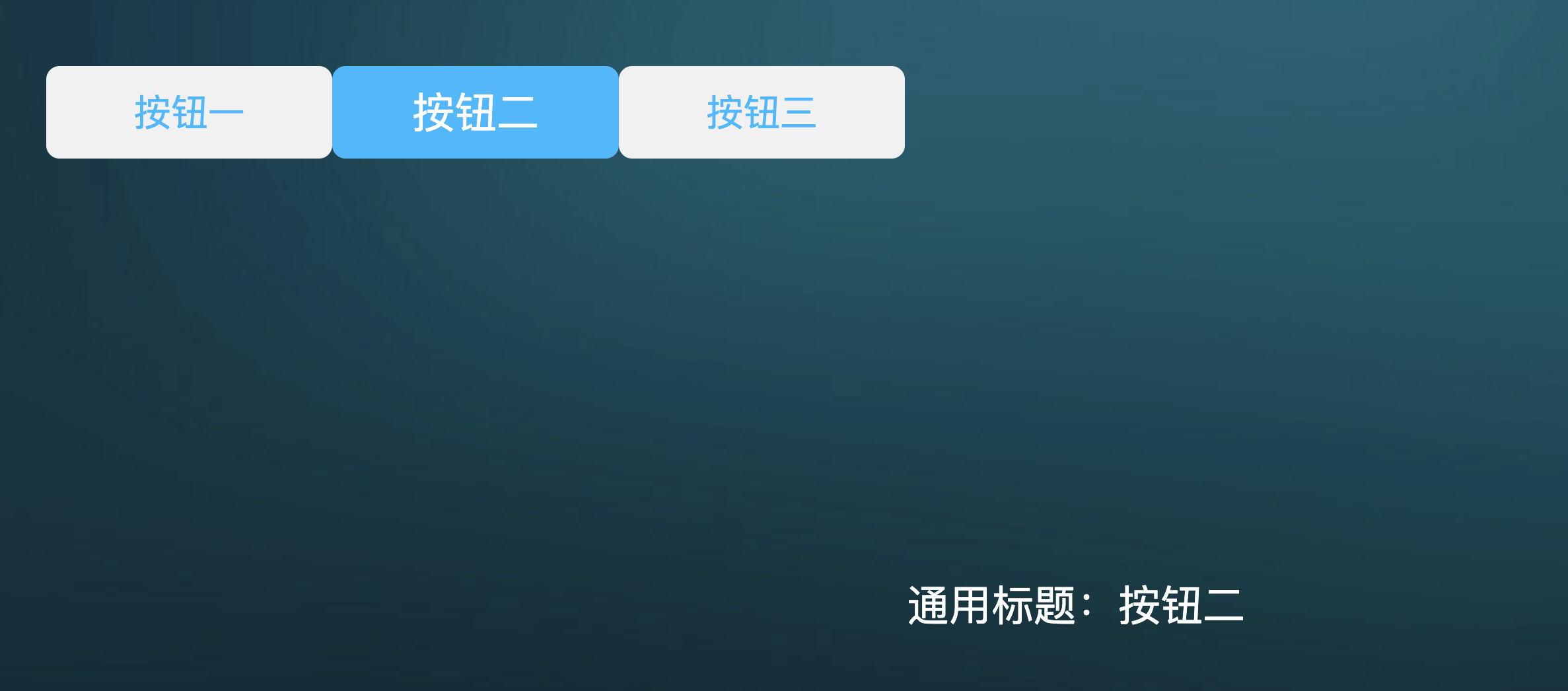
嵌入河图页面时
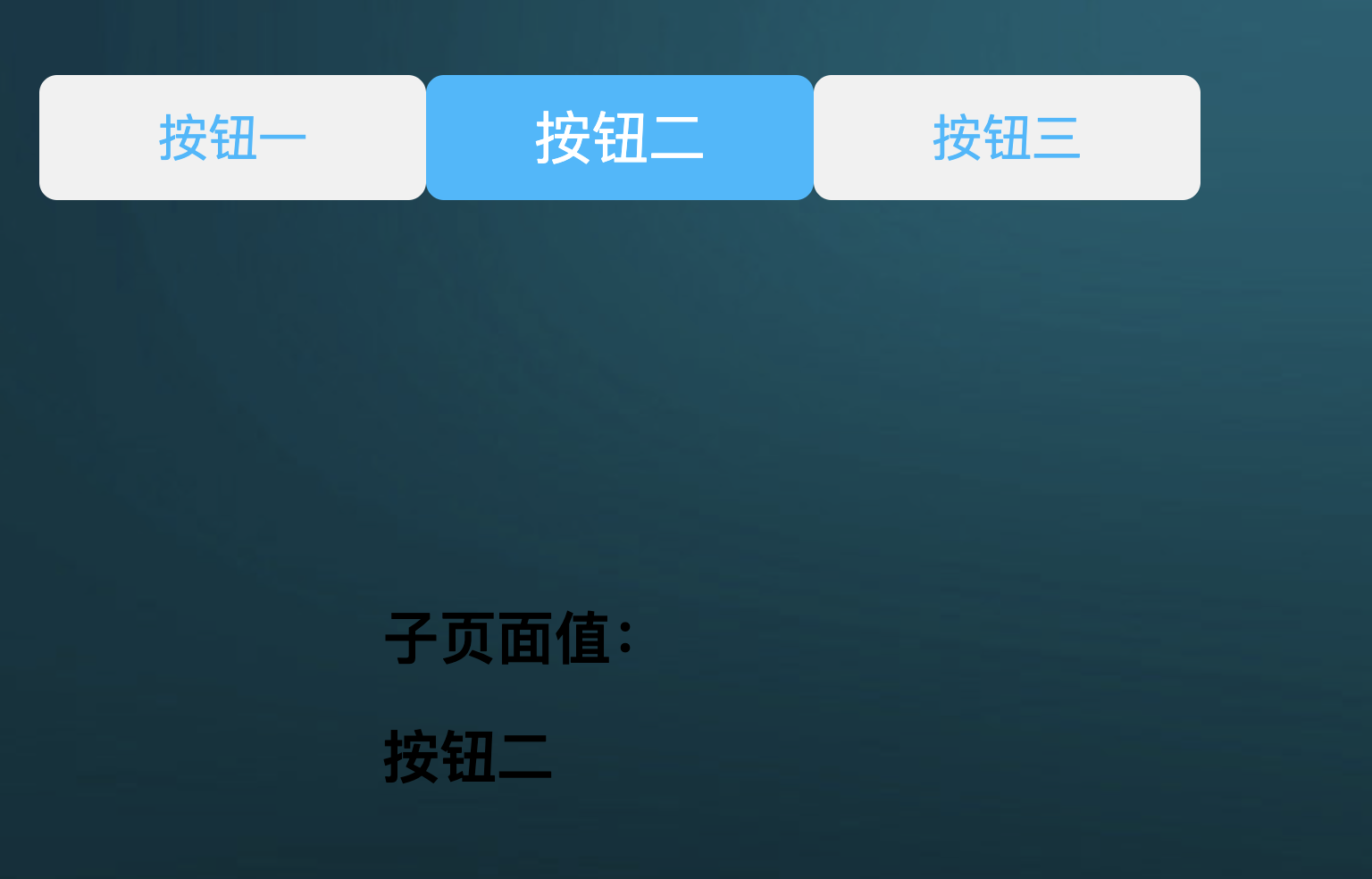
嵌入外部页面时
河图为子页面
配置
父页面配置
- 父页面为外部页面时,需在父页面添加值传递的方法
<!DOCTYPE html>
  <html lang="zh-CN">

  <head>
    <meta charset="utf-8" />
    <meta http-equiv="X-UA-Compatible" content="IE=edge" />
    <meta name="viewport" content="width=device-width, initial-scale=1" />
    <title>主页面</title>
  </head>

  <body>
    <h1>主页面</h1>
    <button onclick="btnClick()">按钮</button>
    <br />
    <iframe width="1000px" height="200px" id="iframe"
      src="https://hetucloud.taiji.com.cn/screen/share/index.html#/TJ16061f9fcefc4c9ab6ef5605af0dd7"></iframe>

    <h1>子页面值:</h1>
    <h1 style="color:red" id="childrenValue"></h1>
  </body>
  <script>
    var num = 0;
    function btnClick() {
      const iframe = document.getElementById("iframe");
      if (iframe) {
        // 向河图页面传值,若不需要向河图页面传值,可不添加此方法
        iframe.contentWindow.postMessage(
          {
            hetu: {
              vars: {
                'iframeValue': num,
              }
            }
          },
          "*"
        );
      }
      num++;
    }

    // 接收河图页面传来的值,若不需要接收河图传来的值,可不添加此方法
    window.addEventListener("message", function (e) {
      console.log(e.data.hetu.vars.iframeValue);
      document.getElementById("childrenValue").innerText = e.data.hetu.vars.iframeValue;
    });

  </script>

  </html>
父页面为河图页面时,在大屏父页面中添加
iframe、通用标题。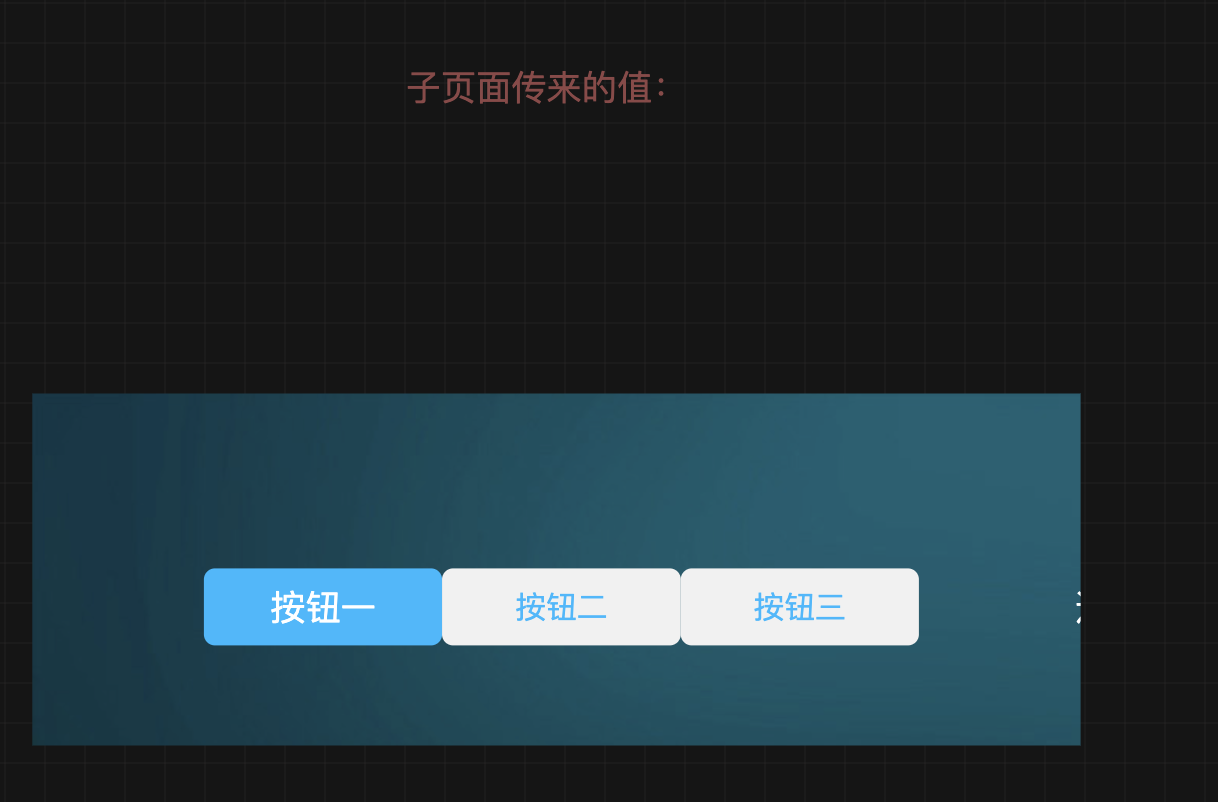
iframe组件,用来显示嵌入河图的页面。
- 变量池中添加变量
iframeValue

通用标题组件,子页面传来的变量值。
在大屏子页面设计器中添加
按钮组、通用标题组件。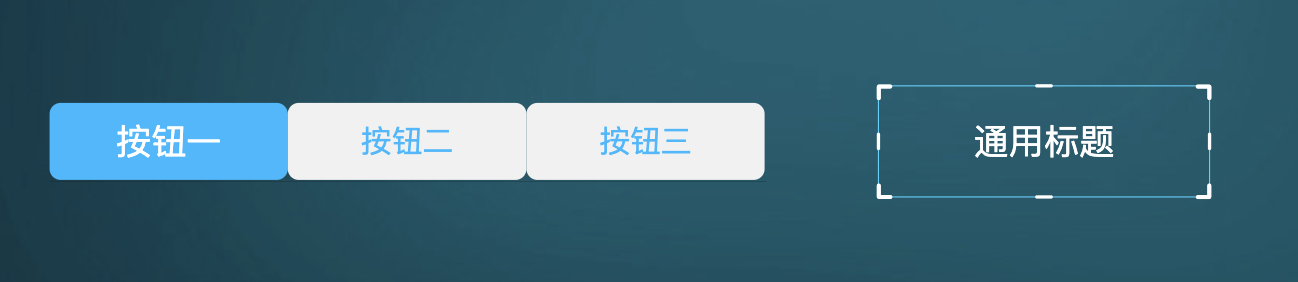
在大屏子页面节点编程画布中添加
按钮组组件和触发器逻辑节点,在触发器中编写传值代码。window.parent.postMessage( { hetu: { vars: { 'iframeValue': data.text, } } }, "*" ); return true;
效果预览
- 外部页面嵌入河图页面时
点击主页面上的按钮,外部页面给河图页面传值
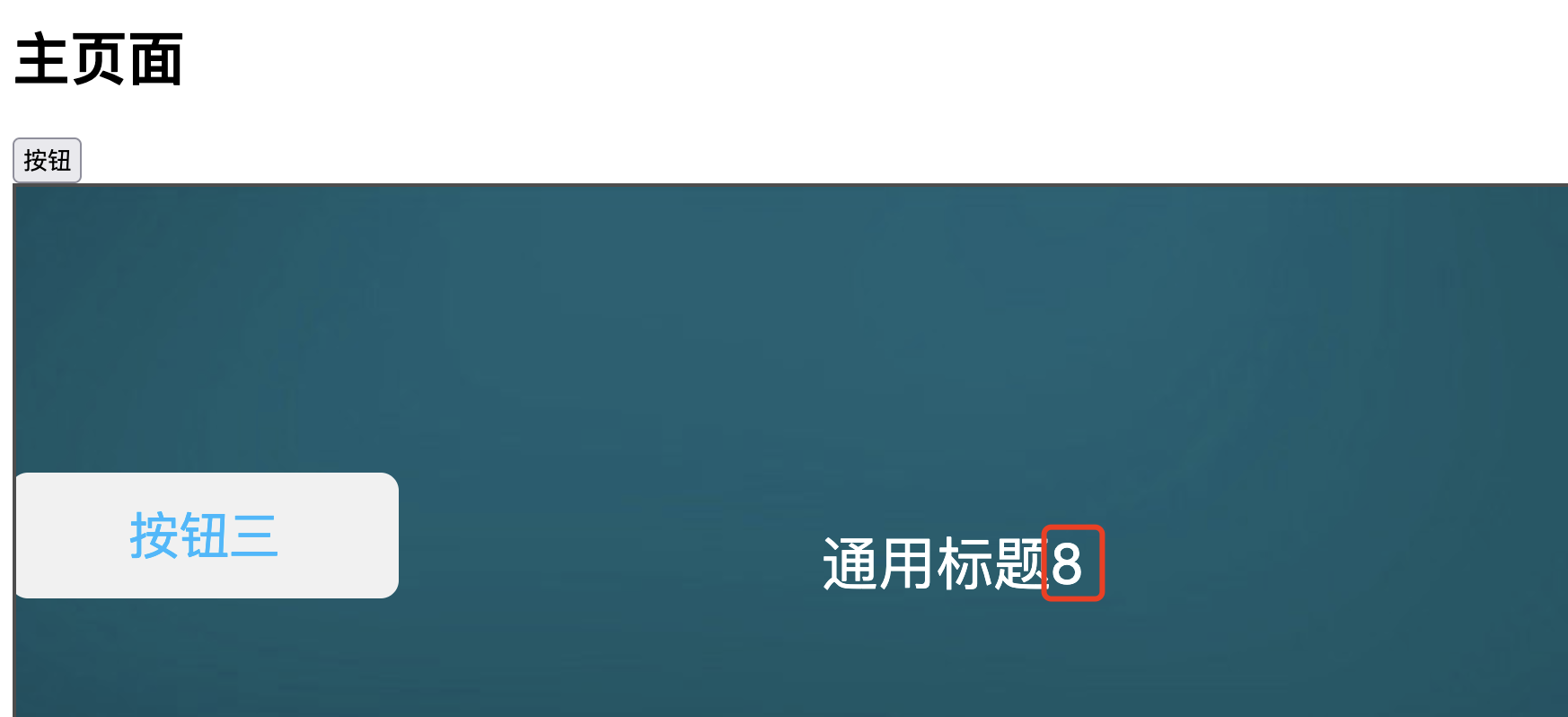
点击河图页面上的按钮组,河图页面给外部页面传值
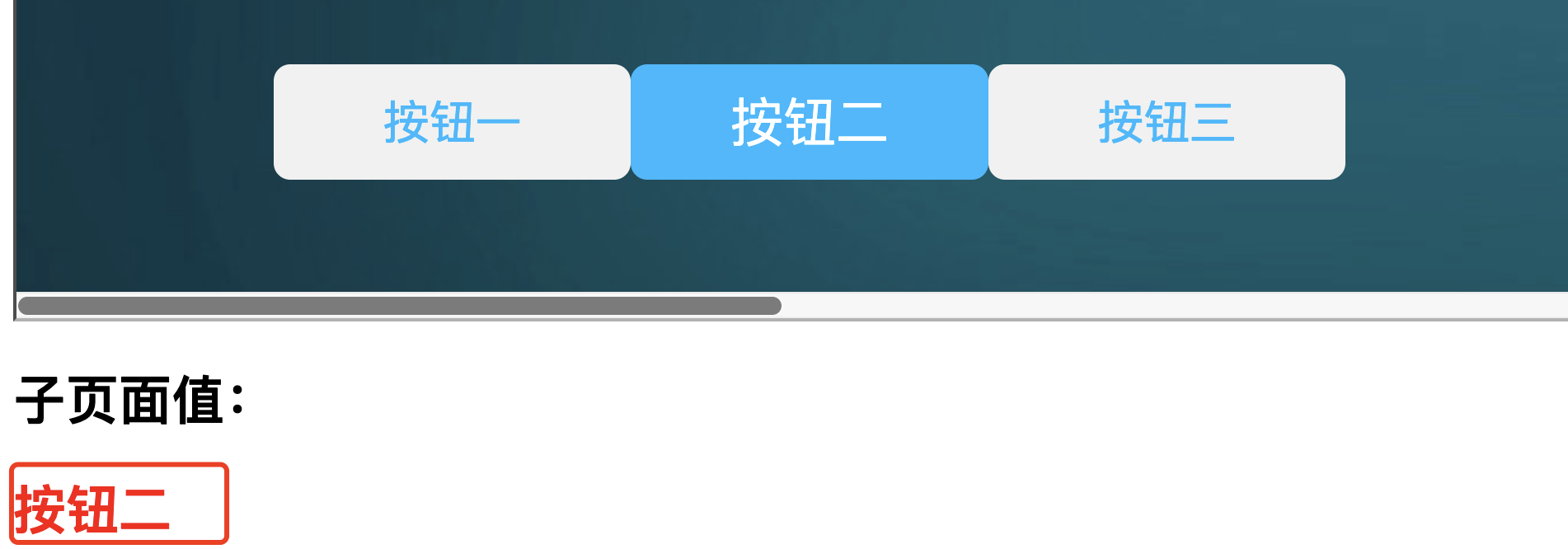
河图页面嵌入河图页面时